WORSHIPKEYS
Upgrading Your Alias Sounds
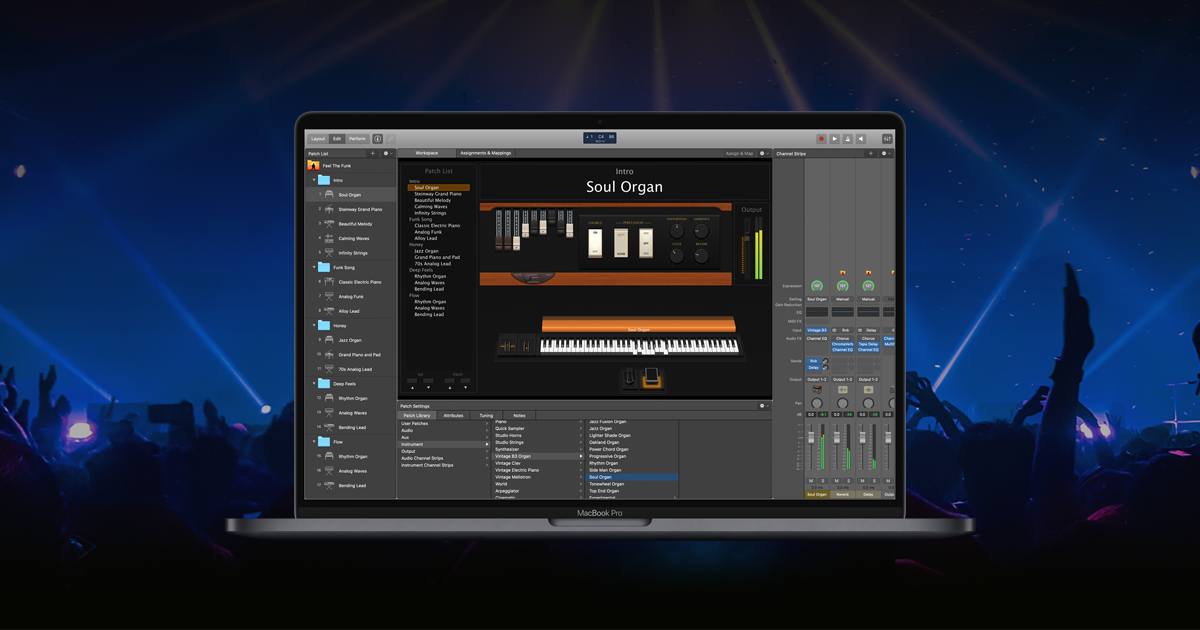
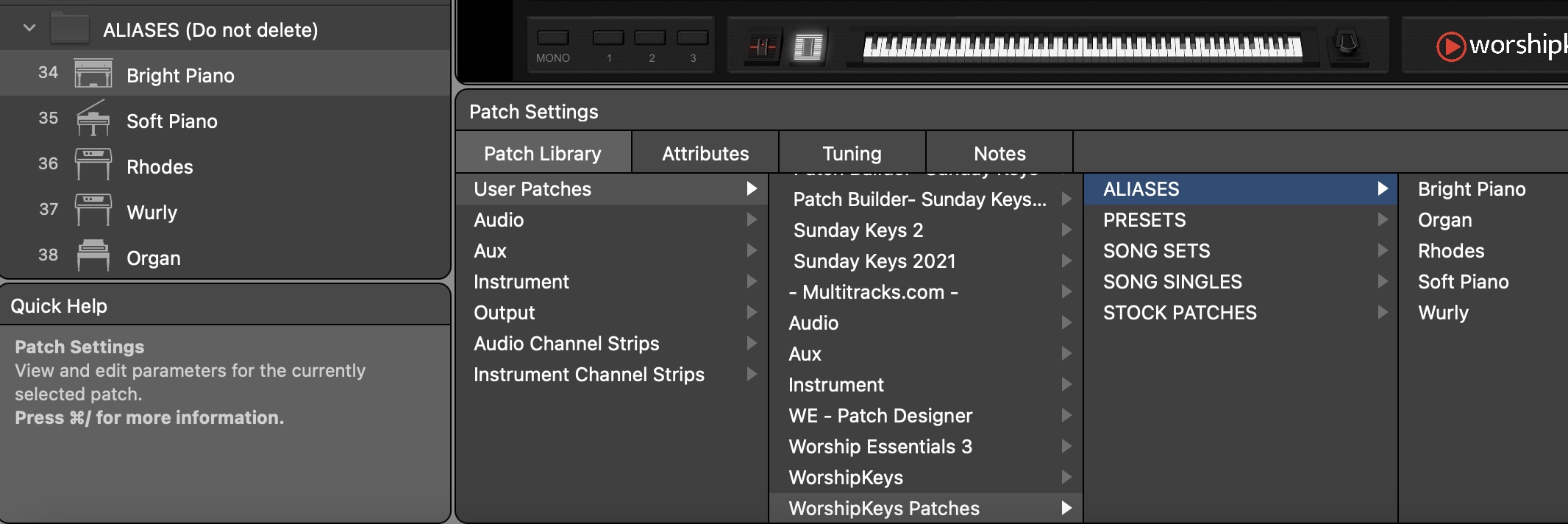
WorshipKeys allows you to upgrade the sound of five instruments that are frequently used by our song-specific patches. Inside WorshipKeys, you’ll find a folder of Alias patches for Bright Piano, Soft Piano, Rhodes, Wurly and Organ. While these patches are all covered by stock sounds from MainStage, you can replace them with your own preferred virtual instrument plugins. WorshipKeys includes ready-made substitute patches for The Giant, NOIRE, and Addictive Keys to upgrade your Bright and Soft Piano sounds.
Pre-Installed Piano Upgrades
To simplify the process for upgrading your piano sound, we have created individual versions of the WorshipKeys concert with select Virtual Pianos preconfigured. Over time, we may add to this list, but for now, you can download WorshipKeys with the following pianos pre-installed. Before you download these concerts, make sure that you have downloaded the initial WorshipKeys install package. Then, make sure that you have purchased and installed the required virtual instrument plugins. Finally, download the version of WorshipKeys that matches your virtual instrument, and replace the original concert file with the new one. Click below to download one of the alternate concert files.
Recommended Virtual Pianos
The most common sounds that you may want to upgrade over time would be the Bright and Soft Pianos. Here are a few collections of pianos that we recommend.
- Studio Grand (Addictive Keys) $89
- The Giant (Native Instruments) $99
- Alicia’s Keys (Native Instruments) $99
- NOIRE (Native Instruments) $149
- Garritan CFX $199
- Synthogy Ivory II $349
- KEYSCAPE $399
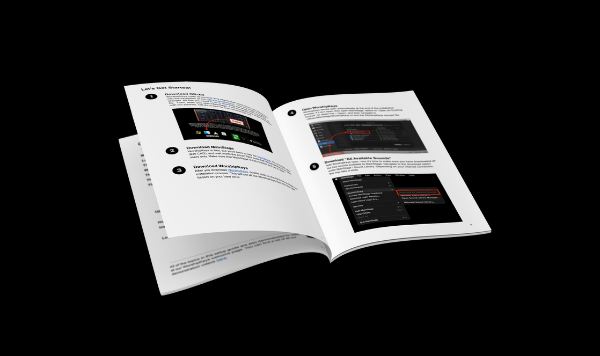
For additional instructions on how to upgrade your alias sounds in WorshipKeys using other virtual instruments, please refer to page 15 in the Setup Guide
Feedback Survey
Now that you have completed the setup steps, we would love to get your feedback. Please take a few moments to fill out our WorshipKeys Survey.